Ethereum is the second-largest cryptocurrency in the world, and Canadians are buying it in record numbers. Whether you’re interested in smart contracts, DeFi, or just diversifying your portfolio, ETH is a solid entry point. But if you’ve never bought crypto before, the process can feel overwhelming. There are exchanges, wallets, fees, and tax rules to navigate. This guide breaks it all down into clear, actionable steps that any beginner can follow.
Here’s the thing: most generic advice online is written for Americans or doesn’t account for Canadian specifics. You need a platform that supports CAD deposits, you need to understand how the CRA treats crypto, and you need to know which security measures actually matter. The good news? Buying Ethereum in Canada is straightforward once you know the playbook. By the end of this guide, you’ll know exactly how to fund your account, place your first order, and store your ETH safely. We’ll also cover common mistakes so you can avoid the costly ones. Before you start, make sure you understand how to secure your crypto holdings because security mistakes are the #1 way beginners lose money.
What You’ll Need
- Government-issued ID (driver’s license or passport)
- Bank account with e-Transfer capability
- Smartphone or computer with internet access
- Password manager (recommended)
- Hardware wallet (for long-term storage)
How Do You Buy Ethereum in Canada?
- Choose a regulated Canadian exchange.
Your first step is picking where to buy. In Canada, you want a platform that’s registered as a Money Services Business (MSB) with FINTRAC. Regulated exchanges follow anti-money laundering rules and offer better consumer protections. Unregulated platforms can vanish overnight with your money. That’s not a risk worth taking.
Top choices for beginners include Wealthsimple, Newton, and Kraken. Wealthsimple is the easiest to use but charges around 2% per trade. Newton offers lower fees at roughly 0.5% to 1% on the spread. Kraken Pro is best for active traders with fees as low as 0.16%. For a deeper comparison, check out our guide on the best crypto exchanges for Canadians.
The catch is that each platform has a different interface. Don’t stress about picking the “perfect” one. Start with any regulated option and learn the ropes. You can always transfer your ETH to another platform later. The key is to avoid sketchy offshore sites that promise zero fees. Those are almost always scams.

- Set up your account and verify your identity.
Once you’ve picked an exchange, you’ll need to create an account. This involves providing your email, setting a strong password, and enabling two-factor authentication (2FA). Use a password manager to generate a unique password. Don’t reuse passwords from other sites. If one platform gets hacked, you don’t want your exchange account exposed too.
Next comes KYC (Know Your Customer) verification. You’ll need to upload a government-issued ID like a driver’s license or passport. You’ll also need to take a selfie for facial recognition. This process usually takes 1 to 3 business days. Some platforms like Newton offer instant verification if you have a Canadian bank account.
Why does this matter? Regulated exchanges are required to verify identities under Canadian law. It’s annoying, but it’s also what keeps the system safe from fraud. Plus, verified accounts have higher deposit and withdrawal limits. For more on protecting your account, read our crypto security guide before you fund anything.
- Fund your account with Canadian dollars.
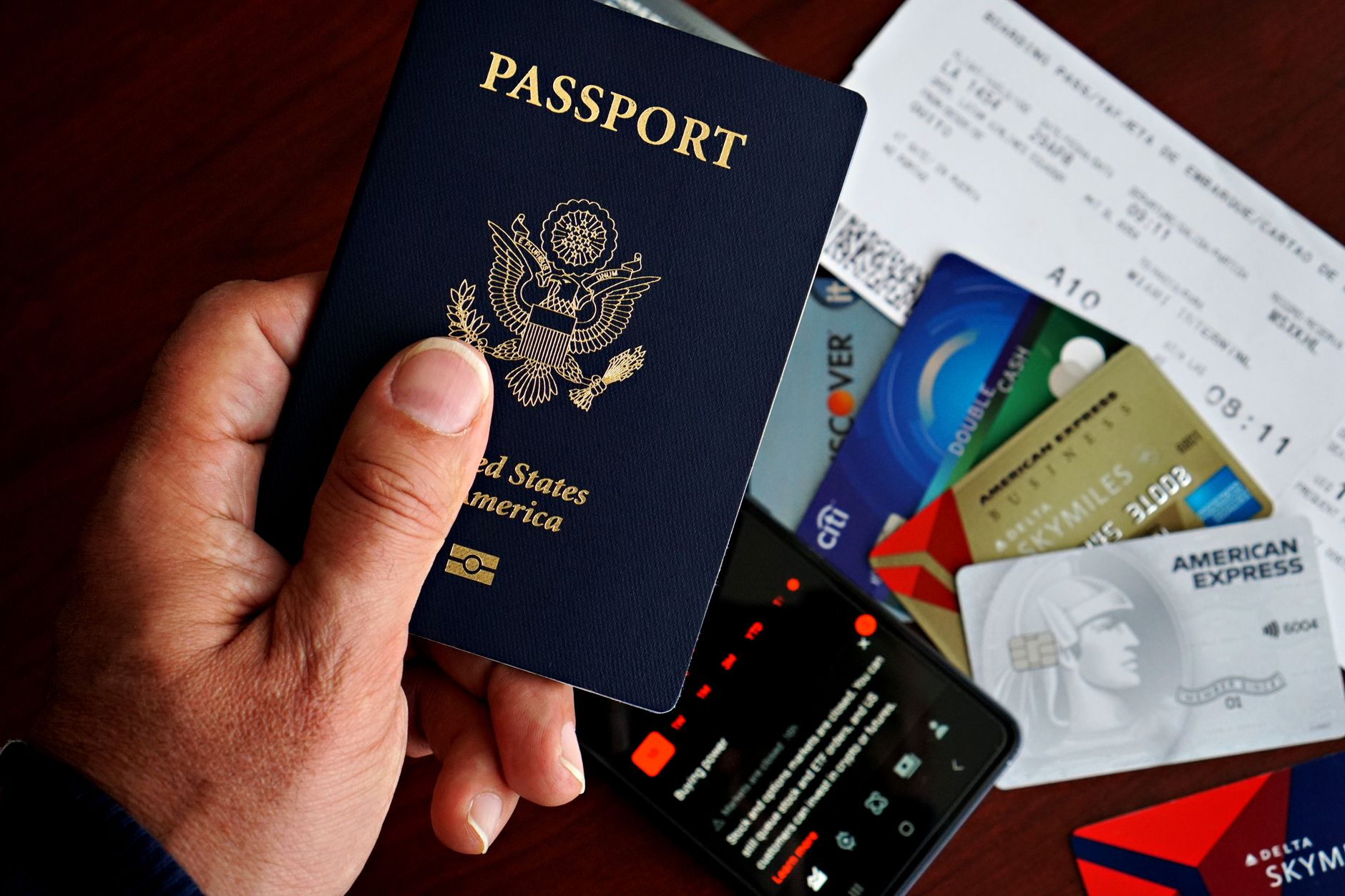
Now you need to deposit CAD into your exchange account. The most common method is Interac e-Transfer. It’s fast, usually arriving within 5 to 15 minutes, and fees are minimal or zero. Most Canadian exchanges support e-Transfer deposits. Some also accept wire transfers or bank drafts, but those can take days and cost $10 to $30.
Avoid using credit cards for crypto purchases. Most exchanges charge a 3% to 5% fee for credit card deposits. Plus, your bank might treat it as a cash advance with high interest. It’s a double whammy that eats into your investment. Stick with e-Transfer.
Before you send money, double-check the deposit instructions. Scammers sometimes create fake deposit pages. Always verify the URL and the recipient name. If something feels off, contact support. A quick sanity check can save you from losing your entire deposit. Once your funds arrive, you’re ready for the next step.
- Place your first Ethereum order.
With funds in your account, you can now buy ETH. Navigate to the trading page and select Ethereum (ETH). You’ll see options for a market order or a limit order. A market order buys ETH at the current price instantly. It’s simple and perfect for beginners. A limit order lets you set a specific price, and the trade only executes if the market reaches it. Limit orders are useful if you want to buy a dip, but they might never fill.
Start with a market order to keep things simple. Enter the amount you want to spend in CAD. The exchange will show you the estimated ETH you’ll receive, including fees. Review the numbers and confirm. Congratulations, you now own Ethereum! It usually takes just a few seconds.
One mistake beginners make is buying the first coin they see. Make sure you’re buying ETH, not Ethereum Classic (ETC) or some random token. They’re completely different assets. Also, check the fee breakdown before confirming. Some platforms bury their fees in the spread. For a step-by-step comparison, our detailed Ethereum buying guide covers this in depth.
- Transfer your ETH to a private wallet.
Your ETH is now sitting on the exchange. That’s fine for small amounts you plan to trade soon. But for long-term holding, you should move it to a private wallet. Why? Exchanges are custodial, meaning they hold your private keys. If the exchange gets hacked or goes bankrupt, you could lose everything. It’s happened before.
You have two main wallet options: hot wallets and cold wallets. Hot wallets like MetaMask are software apps that stay connected to the internet. They’re convenient for frequent trading but more vulnerable to hacks. Cold wallets like Ledger or Trezor are physical devices that store your keys offline. They’re much safer for larger amounts. Check out our wallet comparison guide to decide which fits your needs.
To transfer, go to the exchange’s withdrawal page, enter your wallet address, and confirm. Always send a small test amount first. Ethereum transactions cost gas fees, which vary with network congestion. During peak times, fees can spike to $20 or more. Sending a test transaction first ensures you don’t lose a large amount to a typo.
- Track your transactions for tax season.
Here’s something most guides skip: the CRA treats cryptocurrency as a commodity, not currency. That means every sale, trade, or purchase using ETH is a taxable event. If you buy ETH for $2,000 and sell it for $3,000, you have a $1,000 capital gain. You’ll pay tax on 50% of that gain, so $500 is added to your taxable income. The official CRA guidance is available here.
You need to track every transaction: the date, the amount in CAD, the value at the time, and the purpose. This sounds tedious, but it’s essential. The CRA can audit you years later, and without records, you’re in trouble. Use a crypto tax tool like Koinly or CoinTracker to automate this. They connect to your exchange and calculate your gains automatically.
Even if you just buy and hold ETH without selling, you still need to record your purchase cost. This becomes your “adjusted cost base” for future tax calculations. Also, mining or staking ETH counts as business income. The rules are complex, so consider consulting a tax professional if you’re actively trading. For a broader look at crypto taxes, the CRA’s digital currency page is a good starting point.
- Set up a recurring buy strategy.
You’ve bought your first ETH. Now what? Many successful investors use dollar-cost averaging. This means buying a fixed amount of ETH every week or month, regardless of the price. It smooths out the volatility and removes the stress of trying to time the market. Over time, you’ll accumulate more ETH at an average cost that’s often better than trying to catch the bottom.
Most Canadian exchanges offer recurring buy features. You can set up a weekly purchase of $50 or $100 automatically. It’s a set-and-forget strategy that works well for long-term holders. Just make sure you have sufficient funds in your account or linked bank account to cover the purchases.
One word of caution: don’t invest money you can’t afford to lose. Ethereum is volatile. It can drop 30% in a week. That’s normal. A recurring buy strategy helps you ride through the ups and downs without panic selling. If you’re also interested in other cryptos, you might want to look at our Solana buying guide for diversification ideas.
Red Flags & Warnings
- 🚨 Never share your seed phrase with anyone. No legitimate support team will ever ask for it. Scammers use fake support agents to steal your wallet. If someone asks for your seed phrase, they’re trying to rob you.
- 🚨 Beware of phishing emails that look like they’re from your exchange. Always check the sender’s full email address and hover over links before clicking. When in doubt, type the exchange’s URL directly into your browser instead of clicking links.
- 🚨 Avoid platforms that promise guaranteed returns or zero fees. These are classic scam red flags. Legitimate exchanges charge fees to stay in business. If it sounds too good to be true, it is. Check our scam detection guide for more signs.
- 🚨 Never store your ETH on a public Wi-Fi network without a VPN. Public networks are easy targets for hackers. If you must trade on the go, use your phone’s cellular data instead.
- 🚨 Double-check the wallet address before every transfer. Scammers use malware to swap clipboard addresses. A single wrong character means your ETH is gone forever. Send a small test amount first, always.
- 🚨 Don’t fall for “giveaway” scams on social media. No one is giving away free ETH. These scams ask you to send ETH to verify your wallet, and you never get anything back. Report and block these accounts immediately.
Frequently Asked Questions
Do I need a wallet to buy Ethereum in Canada?
Not for the purchase itself. You can buy ETH and hold it on a regulated exchange. But for long-term holding, a private wallet is safer. Exchanges can freeze accounts or get hacked. A wallet gives you full control of your private keys.
What are the fees to buy Ethereum in Canada?
Fees vary by platform. Wealthsimple charges about 2% for crypto trades. Newton charges roughly 0.5% to 1% on the spread. Active traders on platforms like Kraken Pro pay around 0.16% to 0.26% per trade. Always check the fee schedule before you commit.
Is Ethereum taxable in Canada?
Yes. The CRA treats cryptocurrency like a commodity. Selling ETH, trading it for another coin, or using it to buy goods triggers a taxable event. You’ll pay capital gains tax on 50% of the profit. Keep records of every trade.
Can I buy Ethereum with a credit card in Canada?
Some platforms allow it, but it’s a bad idea. Credit card purchases usually carry fees of 3% to 5% plus high interest. You also risk cash advance charges. Use e-Transfer or a bank draft instead. It’s cheaper and safer.
How long does it take to buy Ethereum in Canada?
Once your account is verified, an e-Transfer deposit takes 5 to 15 minutes. The actual purchase takes seconds. Full verification can take 1 to 3 business days. Plan ahead if you want to catch a price dip.
What Should You Remember?
- Choose a regulated exchange like Wealthsimple, Newton, or Kraken for your first ETH purchase. Avoid unregulated offshore platforms.
- Verify your identity early to avoid delays. KYC takes 1 to 3 business days on most Canadian platforms.
- Use e-Transfer for deposits to keep fees low. Credit cards cost 3% to 5% extra.
- Transfer ETH to a private wallet if you’re holding long term. Exchanges are convenient but not the safest place for large amounts.
- Track every trade for the CRA. Crypto is taxed as a commodity in Canada. Keep records of dates, amounts, and values in CAD.
- Start small with $100 to $500. Learn the mechanics before you size up. Mistakes cost money.
- Beware of scams like fake exchanges and phishing emails. Always double-check URLs and never share your seed phrase.
Disclaimer: This article is for informational purposes only and does not constitute financial or tax advice.